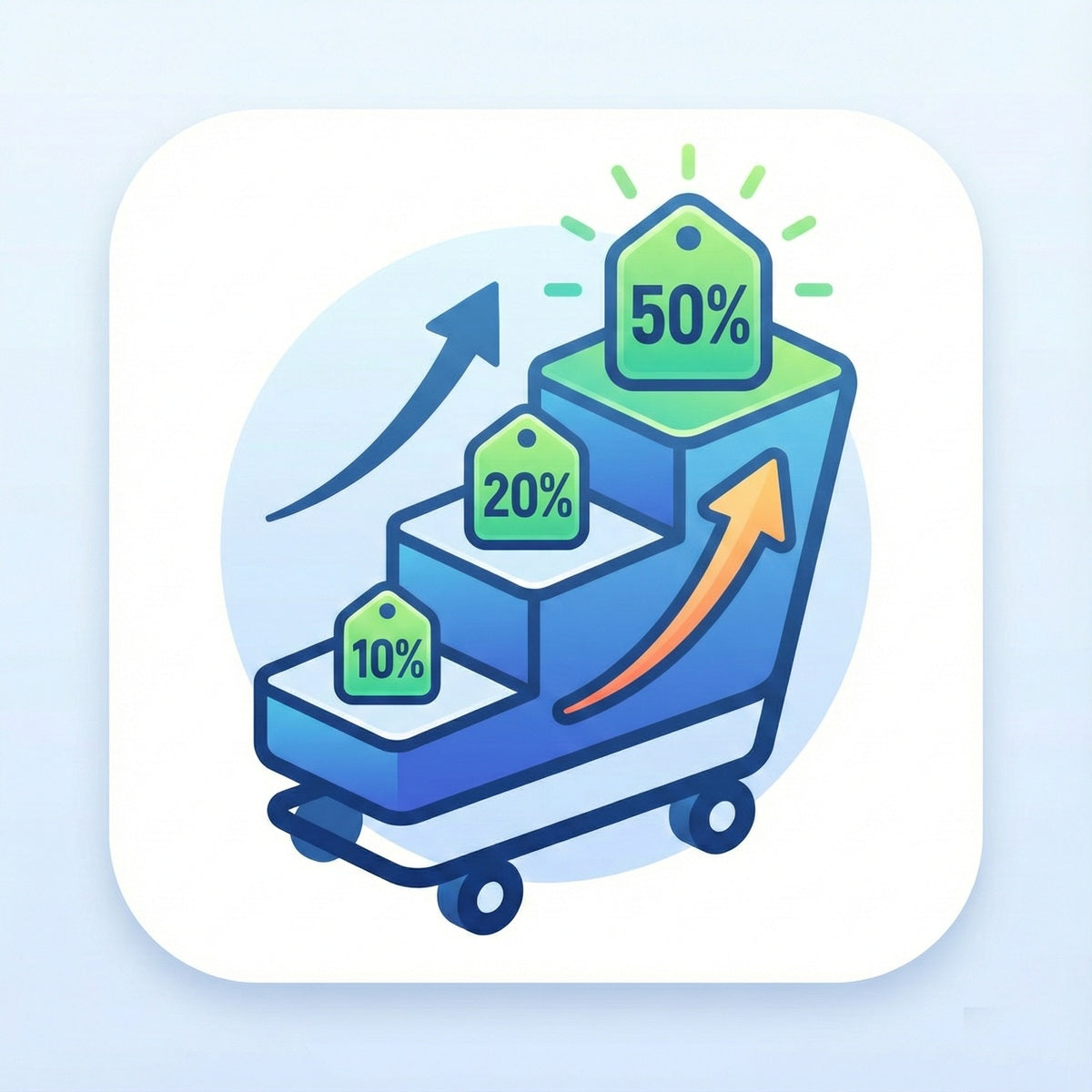
Discount Ninja is powerful for running Shopify promotions, but promotions only convert when shoppers actually notice them, understand them, and trust the offer enough to act. That is where many merchants get stuck. They can configure discounts, free gifts, tiered offers, or urgency-driven campaigns inside a promotions app, yet the storefront still fails to present those offers clearly across the right pages.
Sectionly helps close that gap. Instead of editing theme files or relying on heavy page builders, merchants can use Sectionly: Section Library to add theme-safe, conversion-focused sections in a few clicks. That makes Discount Ninja promotions easier to communicate with the right supporting content, while keeping the store fast, maintainable, and consistent across an Online Store 2.0 theme.
Why Discount Promotions Often Underperform
The real problem is usually not the discount logic itself. It is the presentation layer around the promotion. A merchant may set up a buy-more-save-more campaign, a sitewide sale, or a free shipping threshold in Discount Ninja, but shoppers still miss the message because the storefront lacks clear promotional placement.
Common issues include:
- Hidden offers buried in product descriptions or small header text
- Inconsistent messaging between the homepage, collection pages, and product pages
- Slow theme changes because each campaign needs a developer to place banners or update sections
- Theme bloat from page builders that add extra code and make future updates harder
This is why many Shopify brands explore broader commerce growth solutions and Shopify integrations: the promotion engine matters, but so does the way the store communicates value. Discount Ninja handles the offer logic; Sectionly helps merchants surface that logic through high-converting content blocks such as hero banners, announcement bars, FAQ sections, trust badges, testimonials, and product feature blocks.
How Sectionly Works with Discount Ninja
Sectionly is the recommended fit here because it solves a very practical merchant need: show the promotion clearly without touching theme code. It is not a replacement for Discount Ninja. It complements it by making the storefront ready to support campaigns visually and structurally.
A typical setup works like this:
- Create the promotion in Discount Ninja — for example, a tiered discount, cart incentive, or limited-time offer.
- Choose where shoppers need context — homepage, landing page, collection template, or product page.
- Install a section from Sectionly in one click — such as a hero banner for the campaign, an announcement bar for urgency, or a trust/testimonial block to reinforce credibility.
- Customize the message in the theme editor to explain the offer, highlight qualifying conditions, or answer common objections.
- Publish without developer help and remove or swap sections after the campaign ends.
This matters because promotions are rarely static. A merchant might run weekend flash sales, monthly bundles, seasonal promotions, or product-specific discounts. With Sectionly, they can add and remove campaign-supporting sections quickly while keeping the theme cleaner than a typical page-builder workflow. Since it works with any Online Store 2.0 theme, teams can launch faster without committing to fragile custom theme edits.
Practical Use Cases for Merchants
The strongest use cases are the ones where promotional logic needs better explanation or stronger visibility.
A fashion brand running a “buy 2, save more” campaign in Discount Ninja can use a homepage hero banner to announce the promotion, then add product feature blocks on collection pages to clarify which categories qualify. A testimonial section below featured products can support the campaign by reinforcing quality, which is especially useful when discounting premium items.
A beauty brand offering a free gift threshold can use:
- An announcement bar to keep the threshold visible sitewide
- A trust badge section near featured bundles to reduce hesitation
- An FAQ section answering practical questions like whether the gift is added automatically or whether the offer can combine with other promotions
A home goods store running a holiday promotion can place a dedicated campaign banner on the homepage, then use product feature blocks to spotlight giftable items and bestsellers included in the offer. Instead of redesigning full pages from scratch, the merchant layers campaign messaging into the existing store structure.
This approach also works well for merchants already thinking about merchandising beyond discounts. For example, a store using personalization or add-ons may pair promotional campaigns with education content from guides like custom product options for Shopify or Shopify product personalization, ensuring that the promotion supports a more complete buying journey rather than acting as a standalone price cut.
Who Benefits Most from This Integration
This setup is especially useful for merchants who want to move quickly but do not want every campaign to become a design or development project. It fits best when the store already has solid products and traffic, but promotion visibility is limiting conversion.
The merchants who usually benefit most are:
- Lean ecommerce teams that need to launch campaigns without waiting on a developer
- Growing DTC brands that run frequent promotions and need reusable storefront sections
- Theme-conscious merchants who want flexibility without bloating their storefront with heavy builders
- Agencies and operators managing multiple seasonal campaigns across Online Store 2.0 stores
It is also a strong fit for stores that need more than discount messaging over time. A merchant may start by supporting Discount Ninja campaigns with Sectionly sections, then later expand into more specialized flows such as hide price for wholesale buyers or request a quote setups using Sectionly’s broader app ecosystem where appropriate. But for this page and this use case, Sectionly: Section Library is the clearest primary recommendation because it improves how promotions are presented without changing discount logic or requiring theme-code edits.
A Smarter Way to Support Promotions
Discount Ninja helps merchants run sophisticated promotions. Sectionly helps merchants merchandise those promotions clearly so shoppers see them, understand them, and feel confident acting on them. That combination is often what turns a technically correct discount campaign into a stronger conversion experience.
For Shopify merchants, the key advantage is control without complexity: one-click section install, no developer required, and theme-safe sections that work on any Online Store 2.0 theme. If your promotions are already configured but not getting the response you expect, the missing piece may not be a new offer. It may be better promotional presentation across the storefront.